QuickTally
Excel to Tally in Seconds with 1 Click
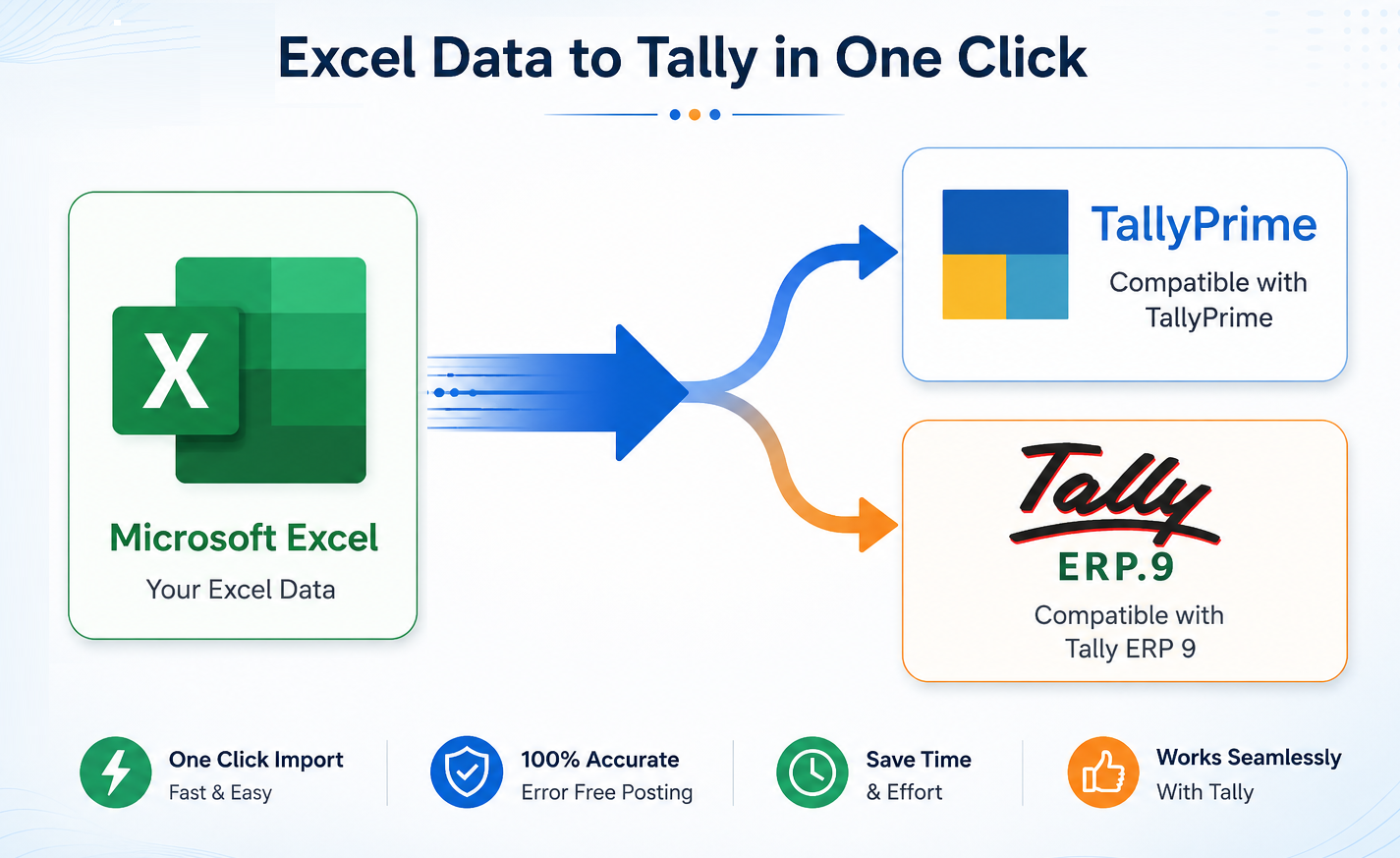
Excel to Tally in Seconds
Compatible with TallyPrime & Tally ERP9"AI Powered Bank Entries, selects Ledgers as per Tally from bank particulars."
BANK STATEMENTS AUTOMATION
Convert Bank Statements Into Tally Entries
No manual data entry into Tally. Just import your bank statement and post thousands of transactions into Tally instantly.
- AI Powered Ledger Selection from particulars
- Automatic Ledger Selection
- Ledger Selection from Amounts
- Ledger Selection from Narrations
- All Banks Statement in Excel Supported
- Receipt & Payment Identification
- Convert Text into Amounts
- Bulk Posting with One Click
QuickTally Intro
Powerful Features that save days of work
QuickTally automates ledger creation, validation, posting and bank imports before entries reach Tally.
AI Powered Ledger Selection
Automatically identify ledger names from Bank particulars.
Copy Paste and 1 Click Posting
Simply paste data and Post thousands of entries in seconds.
Templates or Bank Statement Import
Import Template or bank transactions directly and post into Tally.
Entries from GSTR-2A directly
Post entries from GSTR-2A excel file to Tally.
E-Commerce Entries with or without inventory
Post E-Commerce entries of Amazon, Flipkart, Meesho, builtin template with or without inventory/stock items.
Auto Create Ledgers, Stock Items, Units, ledger groups and stock groups
Create missing ledgers or new ledgers, Create stock items with HSN, Rate and Unit, Create ledger and stock groups instantly .
17 Blank Ready to Use Templates and 17 Sample Templates are built-in
17 Ready to Use Templates are built-in application for much faster than copy and paste, just import template and post in Tally
GST Number Validation
Check GST numbers before posting entries.
Error Detection
Errors are shown before posting to Tally.
Round Off Button
Automatically round values upto 2 decimals.
Negative Conversion
Convert negative values into Dr/Cr format.
Merge Narrations
Combine narrations into one posting narration.
Inventory Entries
Sales and purchase entries with inventory.
Invoice or voucher Mode
Post entries as invoices or as vouchers.
Unlimited Years
Works for all financial years.
Alter all Ledgers in Tally with one click
You can alter Groupwise or all ledgers in Tally with one click.
Manual Accounting vs QuickTally
See how QuickTally reduces hours of accounting work into a few minutes.
How QuickTally Works
Post thousands of entries into Tally in just 3 simple steps.
Copy & Paste Data
Copy & paste your accounting data into the QuickTally template.
Validate & Post
Validate errors before posting. One click posts all entries directly into Tally.
Entries in Tally
Vouchers are created instantly inside Tally.
Thousands of Entries Posted in Minutes
No manual posting. No repetitive work. Just Copy → Paste → POST.
QuickTally Versions
Select the version that best suits your accounting requirements.
Trial Version
Upto 50200 Free Entries in Trial- All Templates Included
- Sales / Purchase Entries
- Receipt / Payment Entries
- Journal Entries / Contra Entries
- Debit / Credit Notes
- Sales/Purchase with Inventory
- AI Powered Ledger Selection
- Ledgers Creation
- Stock Item Creation
- Stock Groups Creation
- Units Creation
- Sales With Inventory
- Purchase With Inventory
- HSN Support
- Opening Stock
- Ledger Alteration Groupwise
- Auto Create Ledgers
- Auto Create Stock Items
- GST No. Validation
- Amazon Reports Import
- Flipkart Reports Import
- Meesho Reports Import
- E-Commerce Templates Import
- GST Ratewise Bifurcation
- All Features are in Trial
- Bulk Posting
- Auto Ledger Mapping
- E-Commerce Accounting
Silver Version
Accounting Package- Sales / Purchase Entries
- Receipt / Payment Entries
- Journal / Contra Entries
- Debit / Credit Notes Entries
- Bank Entries
- AI Powered Ledger Selection
- Master Creation
- Unlimited Posting
Stock Version
Inventory Package- Entries with Inventory
- Stock Item Creation
- Stock Groups
- Units Creation
- Sales With Inventory
- Purchase With Inventory
- HSN Support
- Opening Stock
Professional Version
Advanced Automation- Everything In Silver
- Everything In Stock
- GSTR-2A Purchase Entries
- GST Validation
- Sales & GST Ledgers as per Tally
- Cost Center allocation
- Bill wise allocation
E-Commerce Version
Amazon • Flipkart • Meesho • Template- Amazon Reports Import
- Flipkart Reports Import
- Meesho Reports Import
- E-Commerce Templates Import
- GST Ratewise Bifurcation
- Bulk Posting
- Auto Ledger Mapping
- E-Commerce Sales Entries
Learn QuickTally In Minutes
Watch step-by-step videos and start posting entries instantly.

Sales Entries
Import sales invoices from Excel into Tally.

Purchase Entries
Post purchase entries in seconds.

Bank Statement Import
Convert bank statements into Tally vouchers.

Ledger Creation
Create ledgers from Excel directly into Tally.
Stock Item Creation
Create stock items with HSN and Units.

Bank Entries
Create bank entries by simple copy & paste.